Approvals that reach you
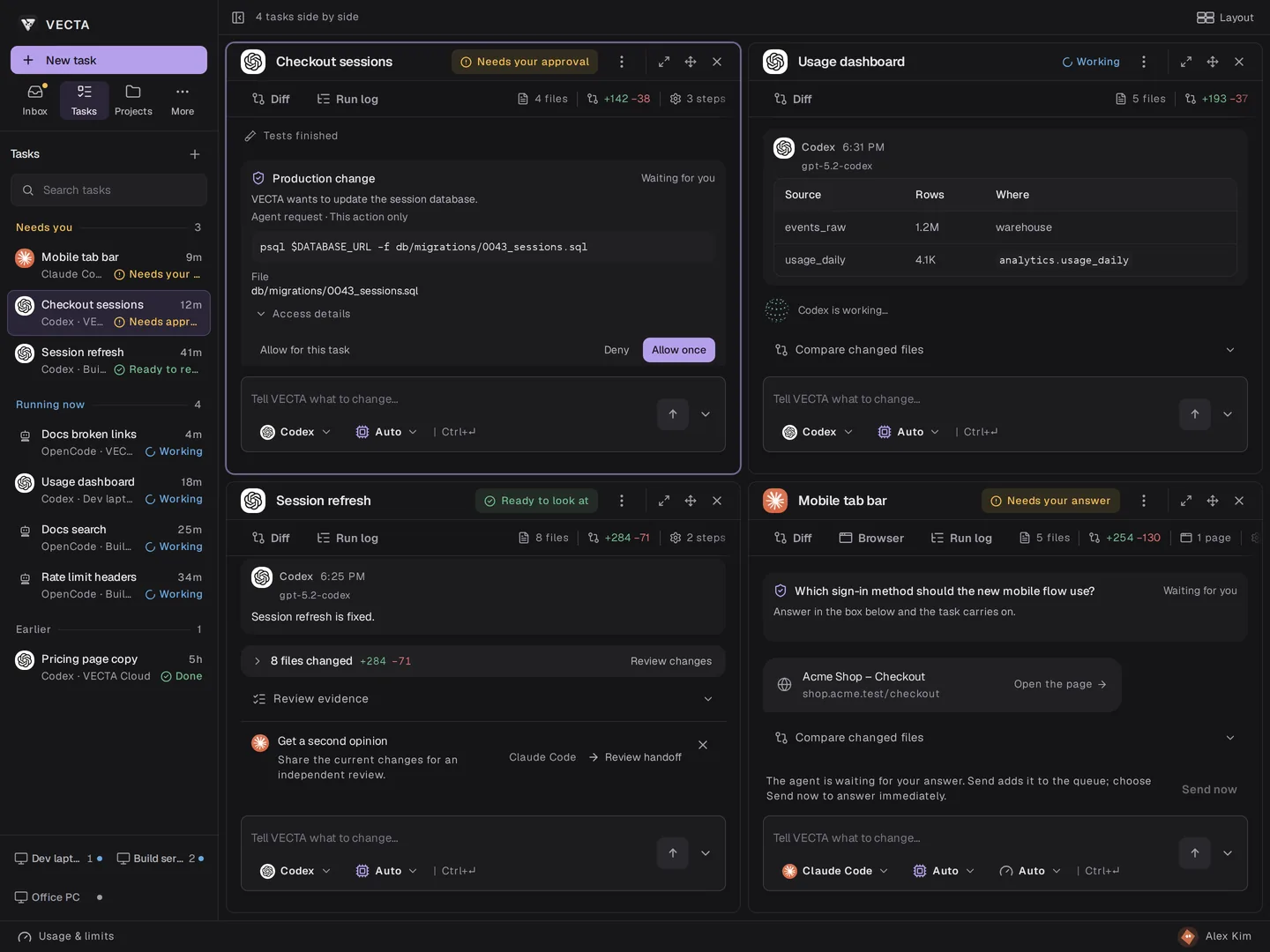
When Codex needs permission to run a command, the request appears in its task with the exact command. Allow it once or deny it.
Codex GUI
VECTA runs the Codex CLI already on your computer and gives every job its own task: the conversation, requests for permission, token use and the changes it made. Follow it on the desktop, in the browser or on your phone.
Free. Codex keeps your ChatGPT sign-in or API key.
Install VECTA where your projects and Codex live, sign in and connect the computer. Codex keeps the sign-in it already has.
Describe each change in its own task and choose Codex. Every task works in its own copy of the project, so several can run side by side.
Answer permission requests as they come, then read the diff and the checks before you keep the work.
When Codex needs permission to run a command, the request appears in its task with the exact command. Allow it once or deny it.
Open tasks side by side and see at a glance which one is working, which waits for you and which is ready.
Set a token limit for a task. VECTA pauses the work when the usage Codex reports reaches it.
Send what Codex changed to Claude Code for an independent review.
No. VECTA is made by Aterna and works with the Codex CLI you install and sign in to yourself. Your ChatGPT plan or API usage stays with OpenAI.
No. VECTA uses the sign-in Codex already has on that computer, whether that is your ChatGPT account or an API key.
Yes. Choose the agent for each task, and ask one to review the other’s changes.
Codex in the cloud works in OpenAI’s environment. VECTA runs the Codex CLI on your own computer, with your files, tools and setup, and lets you follow it from any device.
VECTA is free on your own computer, with all features and unlimited projects and tasks. OpenAI bills your ChatGPT plan or API usage as usual.
Connect your computer once, then start, approve and review Codex work from wherever you are.
Get VECTA free