DocumentationStart here
Your first task
Go from a project to a result you can review.
Start small: “Fix the mobile navigation; check it at 390px and explain what changed.” A clear result and a check make the first task easier to assess.
Step by step
Create a VECTA account or sign in. Desktop downloads are available in your account without manual approval.
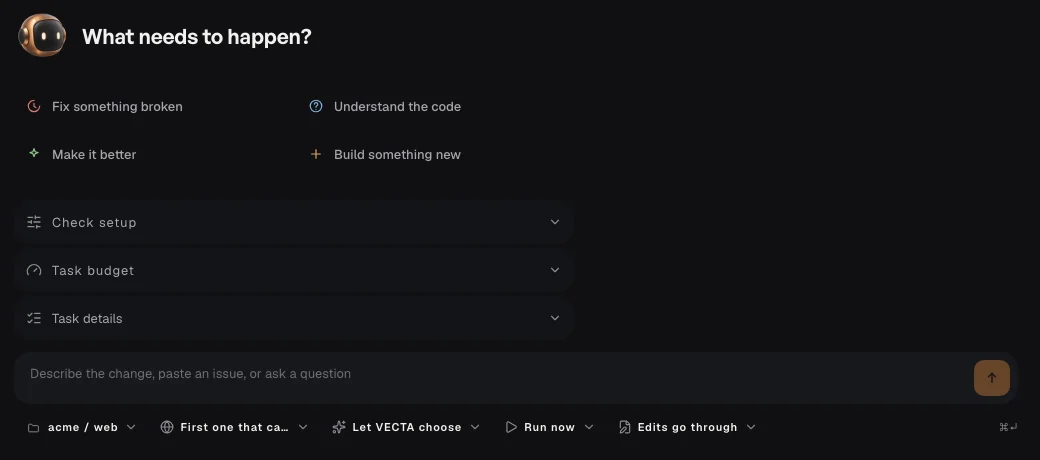
Open New task with the + button. Choose a project and check where the work will run.
Describe one concrete change and how to check it. Choose a ready agent, or use the available VECTA option.
Start the task. Follow its conversation, answer requests and review the result before accepting changes.